This filter is used for lightning shadows and midtones of an image without blowing the highlights. A detailed tutorial can be found at Ek C, Tone Mapping and Shadow Recovery Using GIMP’s → .
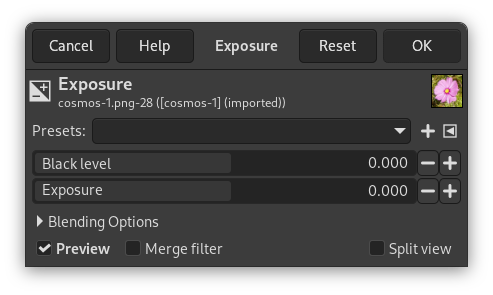
- Önayarlar, Harmanlama Seçenekleri, Ön izleme, Süzgeci birleştir, Bölünmüş görünüm
-
![[Not]](images/note.png)
Not These options are described in Kısım 8.1.2, “Renkler Ortak Özellikler”.
- Kara düzey
-
This option is used to dispense with "useless" shadows and highlight information.
- Pozlandırma
-
This option is used to add one or more stops of exposure compensation to the image.


