3.16. Fill Selection Outline
Using this command, you can fill the current selection with the current
foreground color or background color, or with the current pattern. It
opens a dialog where you can choose between these options.
This command is only active when a selection exists.
You can access this command from the main menu through
→ .
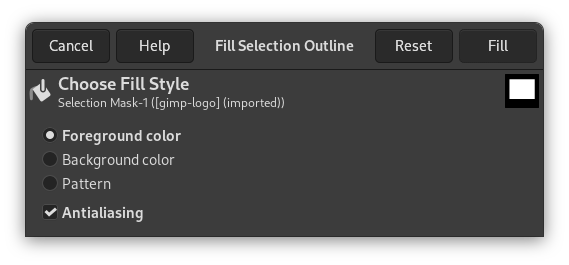
このコマンドは下図のようなダイアログを開きます。
-
Foreground color
-
The foreground color of the toolbox is used.
-
Background color
-
The background color of the toolbox is used.
-
Pattern
-
The active pattern of the toolbox is used.
-
Antialiasing
-
This option is enabled by default.