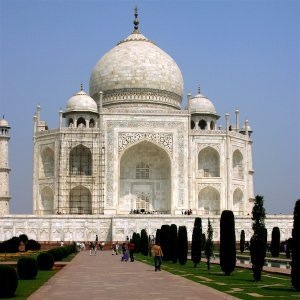
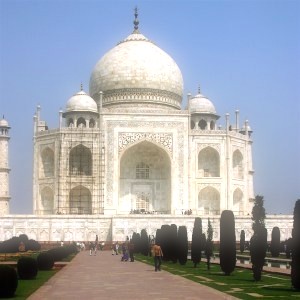
This filter adds a glow around bright areas.
- Presets, “Input Type”, Clipping, Blending Options, Preview, Merge filter, Split view
-
![[Note]](images/note.png)
Note These options are described in Section 2, “Common Features”.
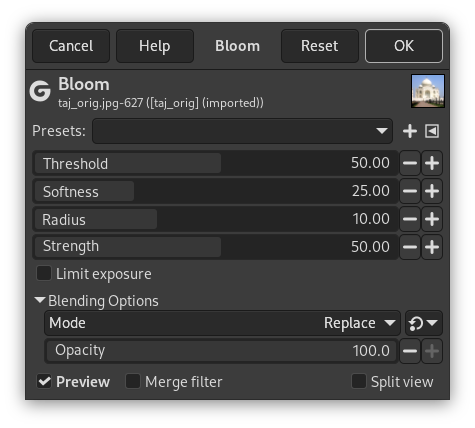
- Threshold
-
Glow area brightness threshold.
- Softness
-
Glow area edge softness.
- Radius
-
The radius of the glow.
- Strength
-
The strength of the glow.
- Limit exposure
-
When enabled, it limits the exposure of highlights. This can be used to reduce the glow in areas that are over exposed.


