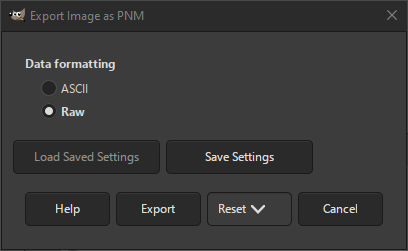
This export dialog allows you to export your image as one of the so-called Portable Anymap image formats. More specifically the PAM, PBM, PGM, PNM and PPM formats. For more information see Netpbm.
Besides the above listed formats, there is also the related PFM format.
The formats can be used as follows:
- PAM
-
This is an extended version of the below formats. This newer format allows for transparency.
- PBM
-
This format saves the image as a monochrome bitmap with two colors: black and white.
- PGM
-
This format saves the image as a grayscale image.
- PPM
-
This format saves the images as a color RGB image without transparency.
- PNM
-
When using the generic name “PNM”, GIMP chooses the closest matching format from the above mentioned types.


