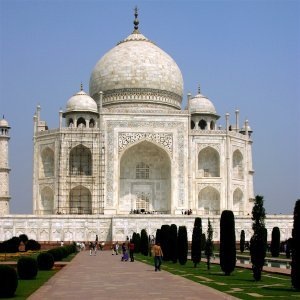
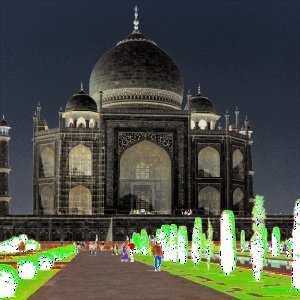
This filter inverts Value (luminosity) of the active layer or selection. Hue and Saturation will not be affected, although the color will sometimes be slightly different because of round-off error. If you want to invert Hue and Saturation also, use → .
Note that hue and saturation can be distorted quite a bit when applying twice this filter for colors with a high luminosity (for instance, HSV 102°,100%, 98%, a bright green, gives HSV 96°, 100%, 2% after a first application of the filter, and 96°, 100%, 98% after a second application). Thus, you should not expect to be able to apply this filter twice in a row and get back the image you started with.
Şekil 16.144. Süzgeci iki kez uygulama örneği
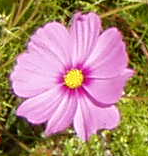
Özgün görüntü
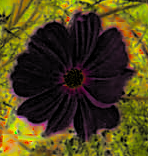
Süzgecin ilk kez uygulanması
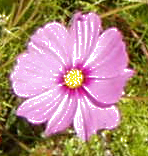
Second application: the image is not exactly the same as the original one.


