Figura 17.328. La misma imagen, antes y después de aplicar el filtro «Enlosar»
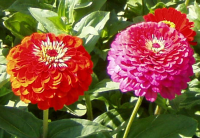
Imagen original
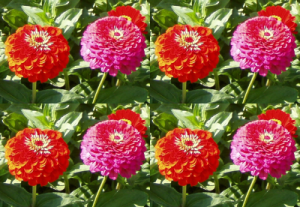
(Se ha reducido el tamaño de la imagen intencionadamente)
Este filtro hace varias copias del original, en un tamaño igual o reducido, en una imagen (nueva) más grande.
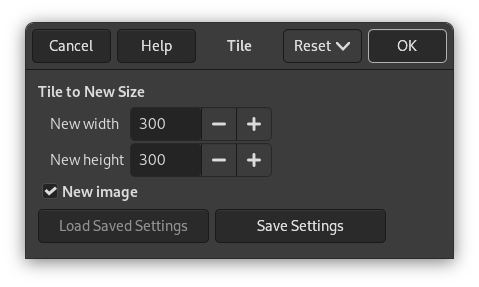
Enlosar a tamaño nuevo
- New width, New height
-
Input boxes and their arrow-heads allow you to enter the dimensions for the new image.
La nueva imagen debe ser mayor que la original. Si no, conseguirá una única muestra de la imagen. Elija tamaños que sean múltiplos del tamaño original para evitar partir parte de los mosaicos.
By default, New width and New height are linked, indicated by the
 chain symbol below the input boxes. If you want to set them
separately, click on that chain symbol to unlink them.
chain symbol below the input boxes. If you want to set them
separately, click on that chain symbol to unlink them.
- New image
-
Keep this option checked to avoid modifying your original image.


