4.5. Noise Reduction

4.5.1. 概観

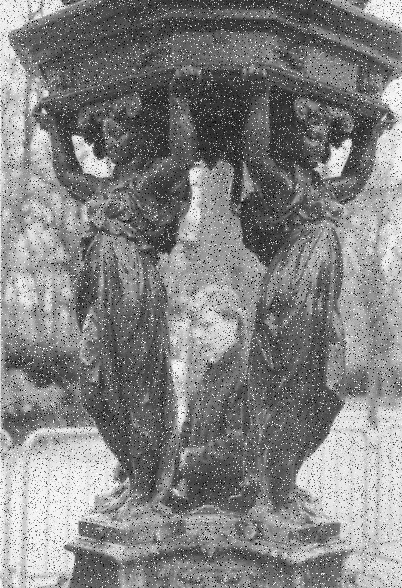
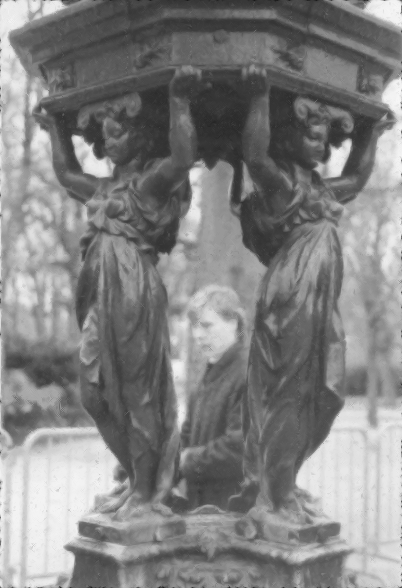
図17.42 Example for the 「Noise Reduction」 filter

Example for the 「Noise Reduction」 filter

元画像

Example for the 「Noise Reduction」 filter

「Noise Reduction」 applied. Strength = 5


A simple GEGL filter to reduce noise.
4.5.2. Activating the Filter

This filter is found in the main menu under Filters → Enhance → Noise Reduction….

4.5.3. オプション

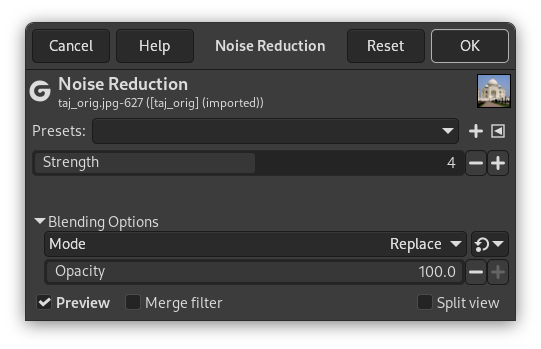
図17.43 Noise Reduction filter options

Noise Reduction filter options

Presets, 「Input Type」, Clipping, Blending Options, プレビュー, Merge filter, Split view
[注記] 注記

These options are described in 「Common Features」.

Strength

Increasing Strength lessens noise, and increases blur: find compromise using the on-canvas preview.