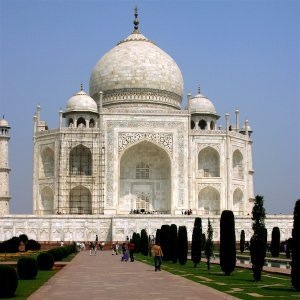
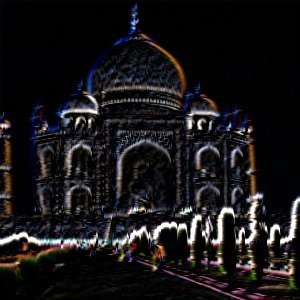
This filter detects edges in the active layer or selection and gives them a bright neon effect.
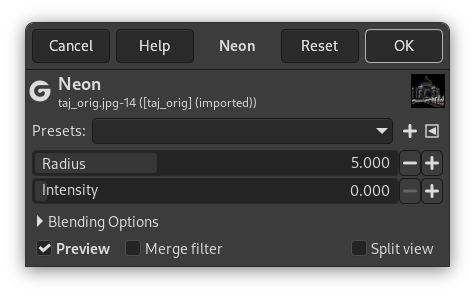
- Presets, “Input Type”, Clipping, Blending Options, Preview, Merge filter, Split view
-
![[Note]](images/note.png)
Note These options are described in Section 2, “Common Features”.
- Radius
-
This option lets you determine how wide the detected edge will be.
- Intensity
-
This option lets you determine how strong the filter effect will be.


