Figure 17.46. Example for the “Symmetric Nearest Neighbor” filter
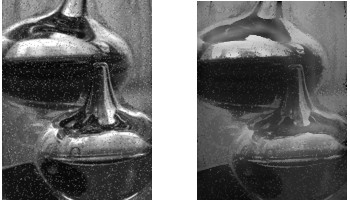
Left: original image. Right: filter applied.
This filter blurs the image preserving edges. It is very effective in noise reduction maintaining sharp edges.
It works comparing each pixel to its neighboring pixels and to 1 or 2 pairs of symmetric pixels around the center.

4 symmetric pairs
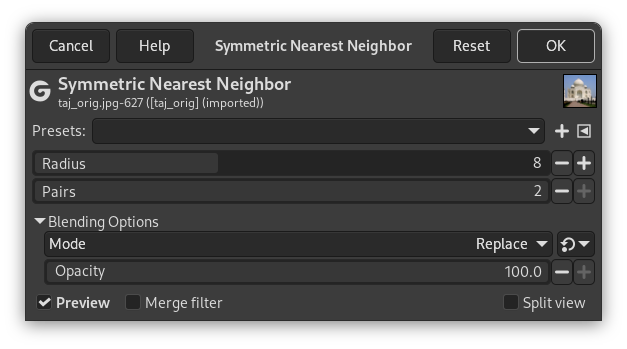
- Presets, “Input Type”, Clipping, Blending Options, Preview, Merge filter, Split view
-
![[Note]](images/note.png)
Note These options are described in Section 2, “Common Features”.
- Radius
-
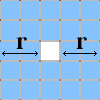
Radius, in pixels, of square pixel region. Width and height of this region are radius*2+1:
- Pairs
-
You can select 1 or 2 pairs: higher number preserves more acute features.


