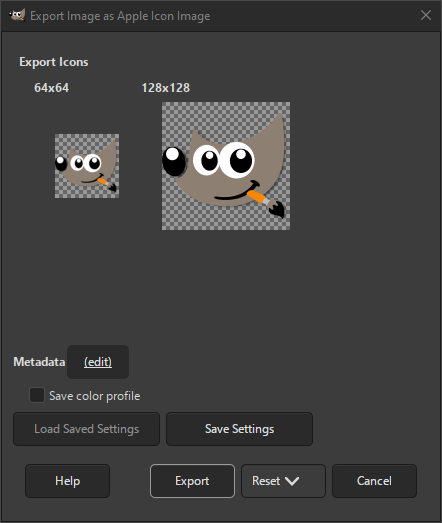
The Apple Icon format is used on macOS for displaying icons. It supports icons of 16 × 12, 16 × 16, 18 × 18, 24 × 24, 32 × 32, 36 × 36, 48 × 48, 64 × 64, 128 × 128, 256 × 256, 512 × 512 and 1024 × 1024 pixels. The fixed-size icons can be scaled by the operating system and displayed at any intermediate size.
The export dialog shows all the icons available. If there are invalid icon sizes, there will be a warning displayed. Layers with invalid sizes will not be exported. Layers will be shown from smallest to largest size, except that invalid sizes will be shown at the end.


