The command converts the layer masks of the selected layers into a selection, which replaces the selection that is already active in the image.
White areas of the layer mask are selected, black areas are not selected, and gray areas are converted into feathered selections. The layer mask itself is not modified by this command.
-
You can access this command from the main menu through → → .
-
From the Layers Dialog, you can access it through the command of its context menu.
Figura 16.96. Illustrazione di «Maschere a selezione»
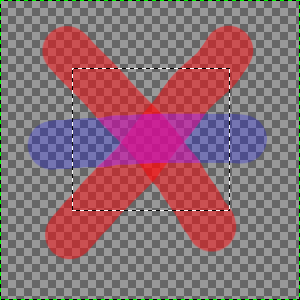
L'immagine originale con una selezione.
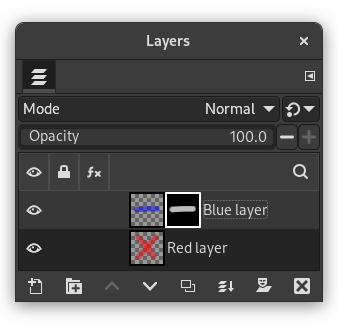
The Layers Dialog with a layer mask created via Add Layer Masks… with the «Layer's alpha channel» option enabled.
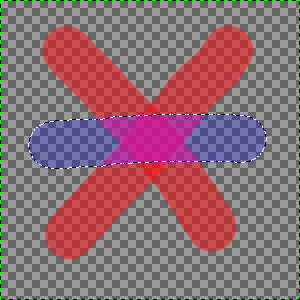
The result after applying «Masks to Selection»: the selection of the non-transparent pixels of the selected layer replaces the initial selection.


