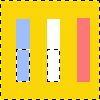
The Intersect Alpha with Selection command creates a selection from the combined alpha channels of all selected layers, which is intersected with the already existing selection. Only common parts of both selections are kept.

Opaque areas are fully selected, transparent areas are unselected, and translucent areas are partially selected. The alpha channels of the selected layers are not changed.
You can access this command from the main menu through LayerTransparencyIntersect Alpha with Selection.

Applying Intersect Alpha with Selection

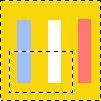
Original image.

Applying Intersect Alpha with Selection

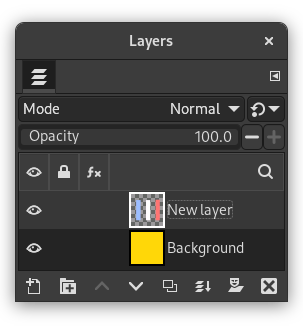
Layers of the original image.

Applying Intersect Alpha with Selection

Resulting image: Non-transparent pixels of the active layer have been intersected with the existing rectangular selection.