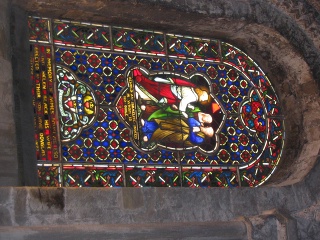
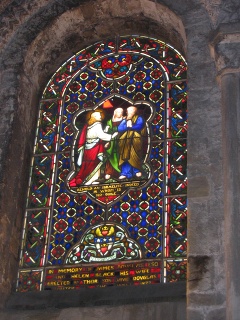
Images that are taken with digital cameras sometimes need to be rotated. To do this, select Image → Transform → Rotate 90° clockwise (or counter-clockwise) from the main menu. The images below demonstrate a 90 degrees CCW rotation.
Figure 3.26. Example for “Rotate An Image”
Source Image
Rotated image 90 degree CCW