
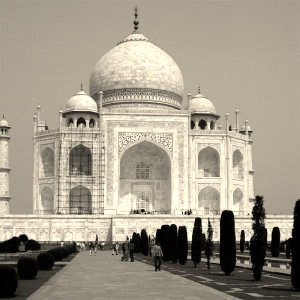
The Sepia filter imitates sepia toning to produce a black-and-white picture with a warm brown-ish tone.
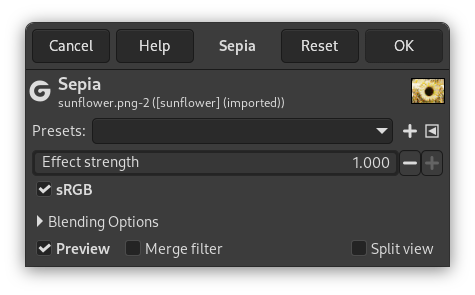
- Presets, Blending Options, Preview, Merge filter, Split view
-
![[Bilješka]](images/note.png)
Bilješka These options are described in Odjeljak 8.1.2, “Colors Common Features”.
- Effect strength
-
This slider lets you control how much the effect blends into the original image. 0.000 is no effect at all, 1.000 is completely replacing the image with its sepia-toned version.
- sRGB
-
This checkbox allows you processing the image in either sRGB gamma-corrected (checked) or linear (unchecked) color space.


