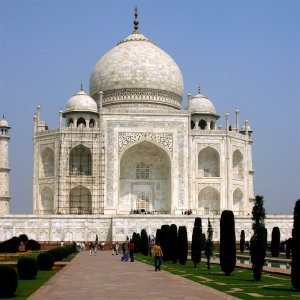

このセピアフィルターは、セピア調のトーンを模して、温かみのある茶色の白黒画像を生成します。
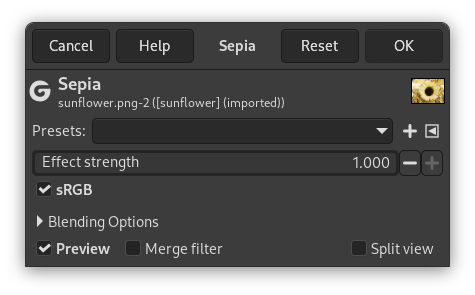
- Presets, Blending Options, Preview, Merge filter, Split view
-
![[注記]](images/note.png)
注記 These options are described in 「Colors Common Features」.
- 効果の強度
-
This slider lets you control how much the effect blends into the original image. 0.000 is no effect at all, 1.000 is completely replacing the image with its sepia-toned version.
- sRGB
-
This checkbox allows you processing the image in either sRGB gamma-corrected (checked) or linear (unchecked) color space.


