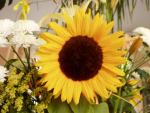
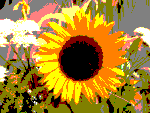
This tool is designed to intelligently weigh the pixel colors of the selection or active layer and reduce the number of colors while maintaining a semblance of the original image characteristics.
- Presets, Blending Options, Preview, Merge filter, Split view
-
![[Note]](images/note.png)
Note These options are described in Section 8.1.2, “Colors Common Features”.
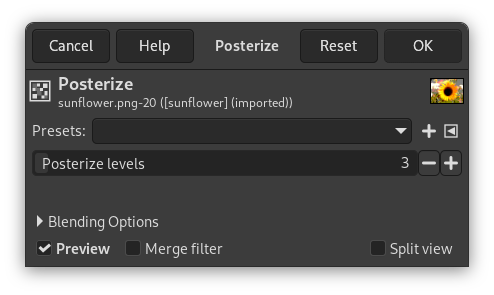
- Posterize Levels
-
Here, “level” means “number of colors per channel ”.
This slider and the + and - buttons allow you to set the number of levels (2-256) in each RGB channel that the tool uses to describe the active layer. The maximum total number of colors is the combination of these levels. A level of 3 will give 33 = 27 colors.


