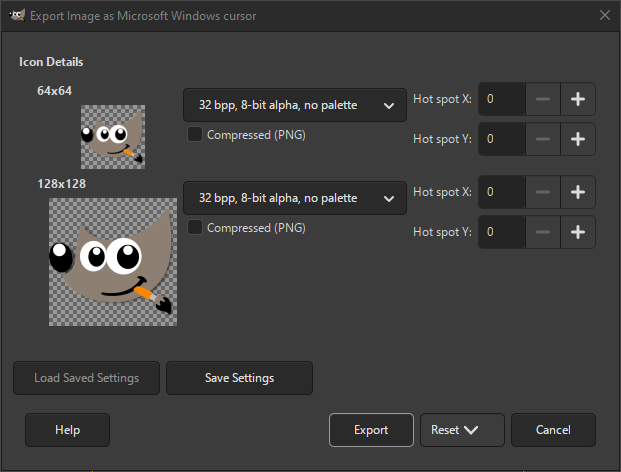
The Microsoft Windows Cursor format is used on Windows for displaying non-animated cursors. It supports multiple cursor sizes and color depths.
A related format is the Microsoft Windows Icon. The export dialog shows all the cursors available. For each cursor size, there are several settings that can be changed.
- Save type
-
For each cursor size you can select in what format it should be saved. The available choices are:
- 1 bpp, 1-bit alpha, 2-slot palette
-
Indexed format with only two colors.
- 4 bpp, 1-bit alpha, 16-slot palette
-
Indexed format with only 16 colors.
- 8 bpp, 1-bit alpha, 256-slot palette
-
Indexed format with up to 256 colors.
- 24 bpp, 1-bit alpha, no palette
-
For RGB without alpha channel.
- 32 bpp, 8-bit alpha, no palette
-
The most common format is RGB with alpha channel.
- Compressed (PNG)
-
When checked, the icons are saved as compressed PNG images. Note that not all programs support reading this type of icon.
- Hot spot X, Hot spot Y
-
These values set the location of the hot spot for this cursor.


